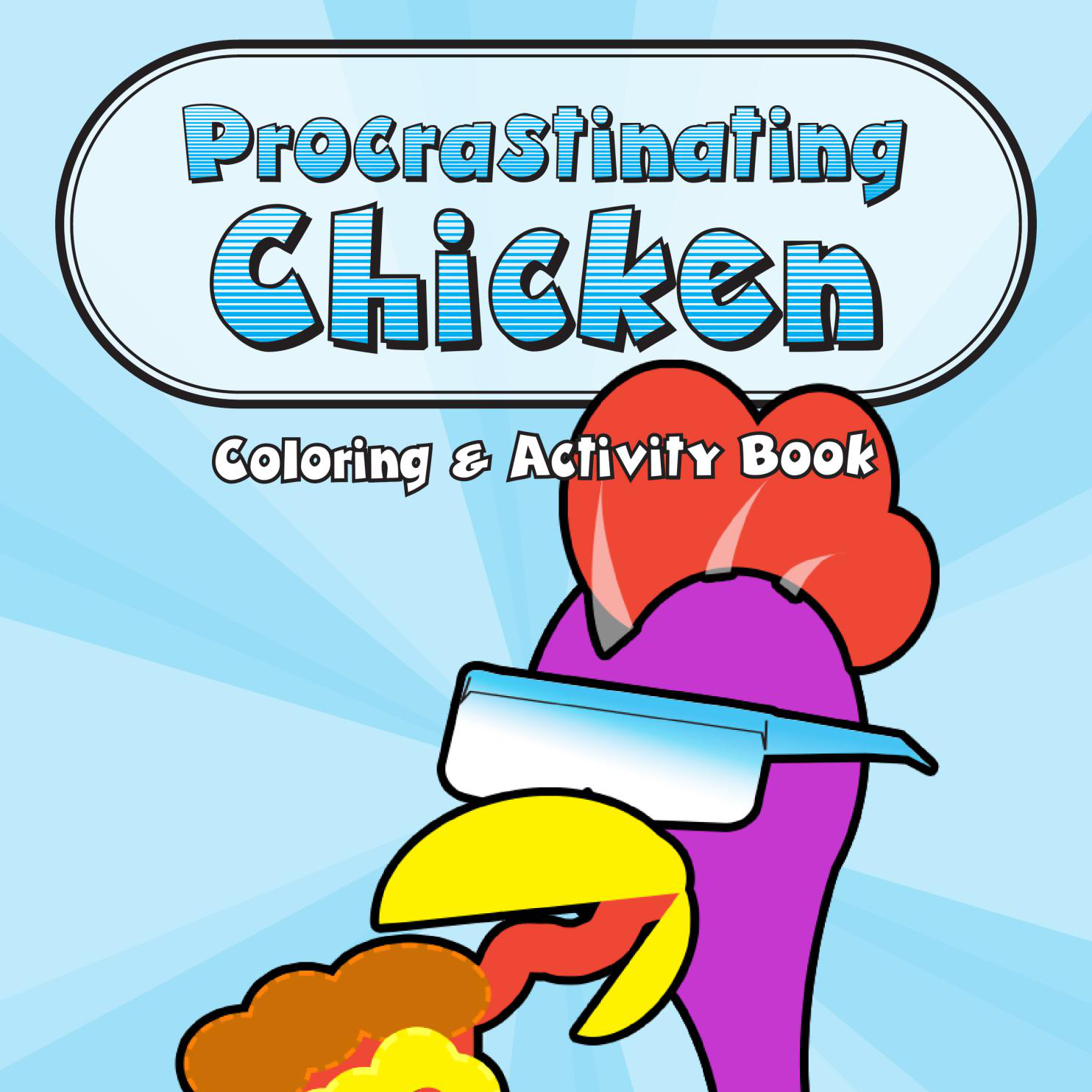
AVAILABLE NOW
Procrastinating Chicken
A 99-page coloring and activity adventure with one extremely distractible chicken.
Your markers. Your palettes. Your coloring studio. · Maurer Power Media
A MAURER POWER MEDIA COLORING TOOL
Organize your alcohol markers, generate palettes from your actual stash, match colors, and test combinations before they hit the page.
Select sets from any brand below to build your combined marker collection across Ohuhu, Copic, Prismacolor & more.
Add owned markers from MyMarkers on this browser, or paste a collection code from another browser. Your Studio stash stays in place.
Lock swatches, pick an aesthetic or use a photo, and match your markers.
Only generate palette colors that match your active marker stash
Use these six roles to plan where your palette goes. A role is a job, not an extra color: one color can do more than one job.
Start with five colors: choose a main subject, supporting color, background, accent, and shadow. Use the white paper for highlights. With 8, 12, or 16 colors, add variations within those same roles.
This is a planning guide. Auto-Fill does not assign these roles to objects; use the fill controls to place colors yourself.
Matched against your selected target brand or active stash.
Direct Amazon links appear only when the exact recommended set has been verified.
Test palette colors directly on line art before coloring on paper!
Your palette colors + Paper White and Ink Black
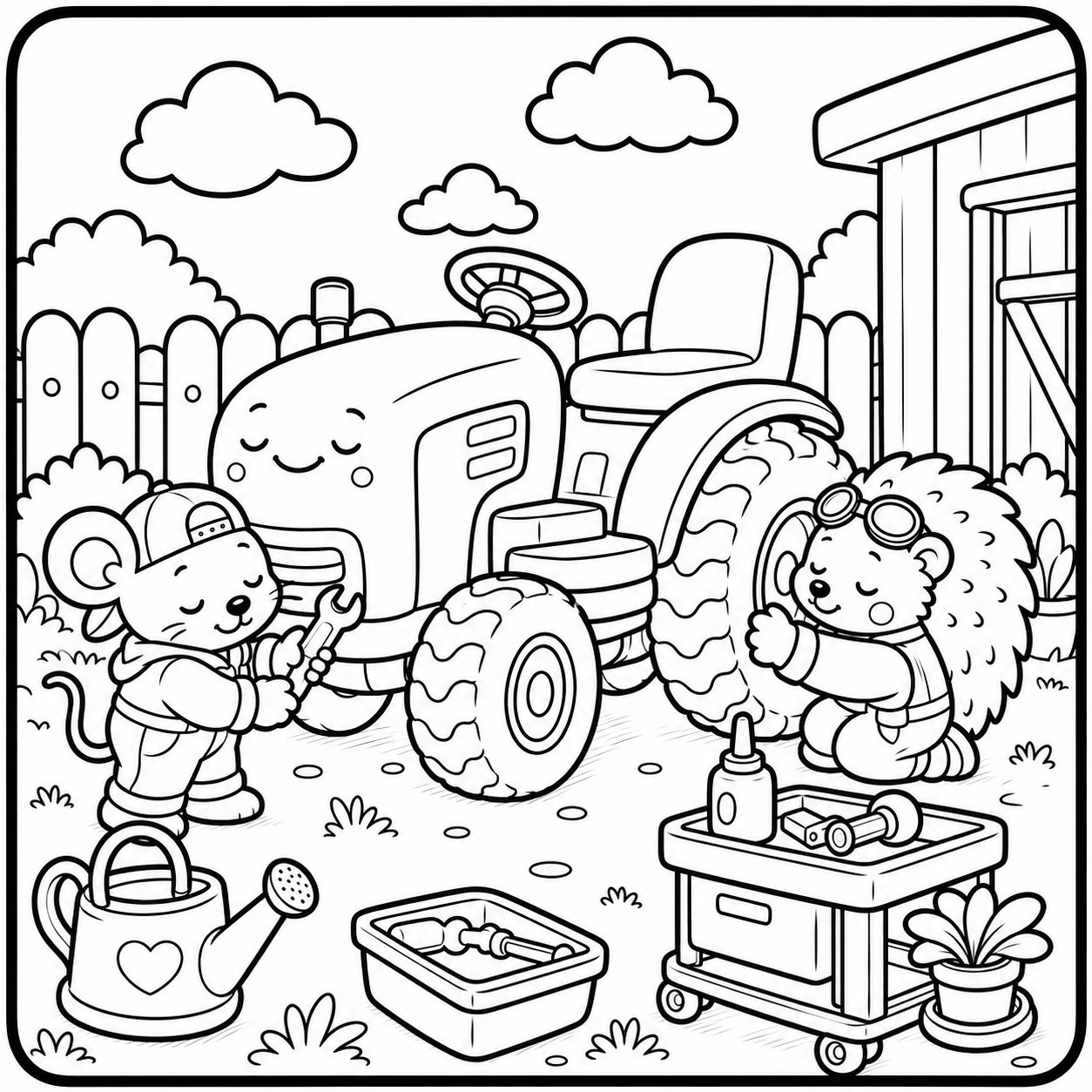
THE FINISHED SHELF
Color Power Studio is part of Maurer Power Media — original coloring books, character worlds, and perfectly normal ideas politely shown the exit.
AVAILABLE NOW
A 99-page coloring and activity adventure with one extremely distractible chicken.

AVAILABLE NOW
Friendly animal mechanics, tractors, tools, and cozy garage fixes.
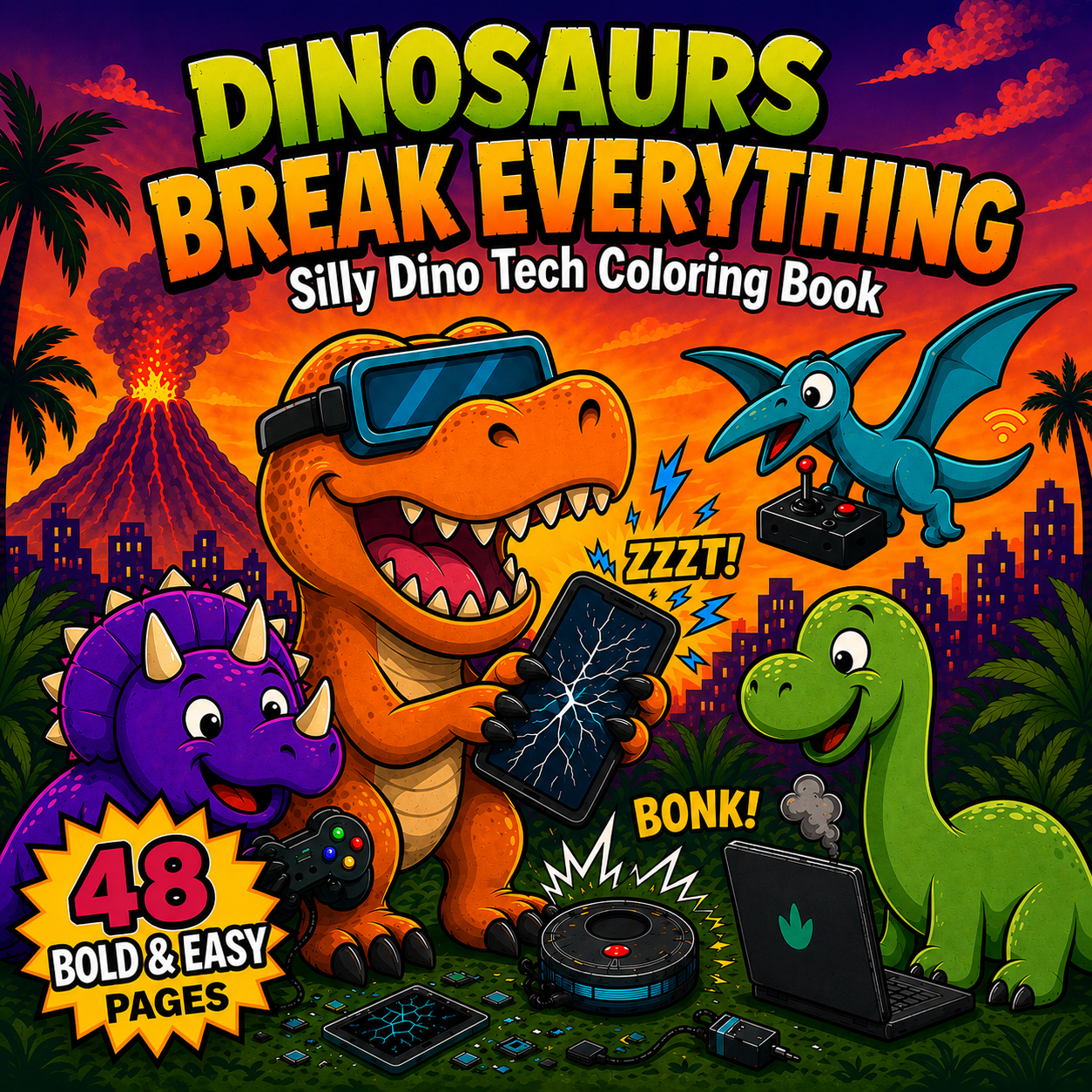
COMING SOON
48 bold & easy pages of silly dino-tech chaos.
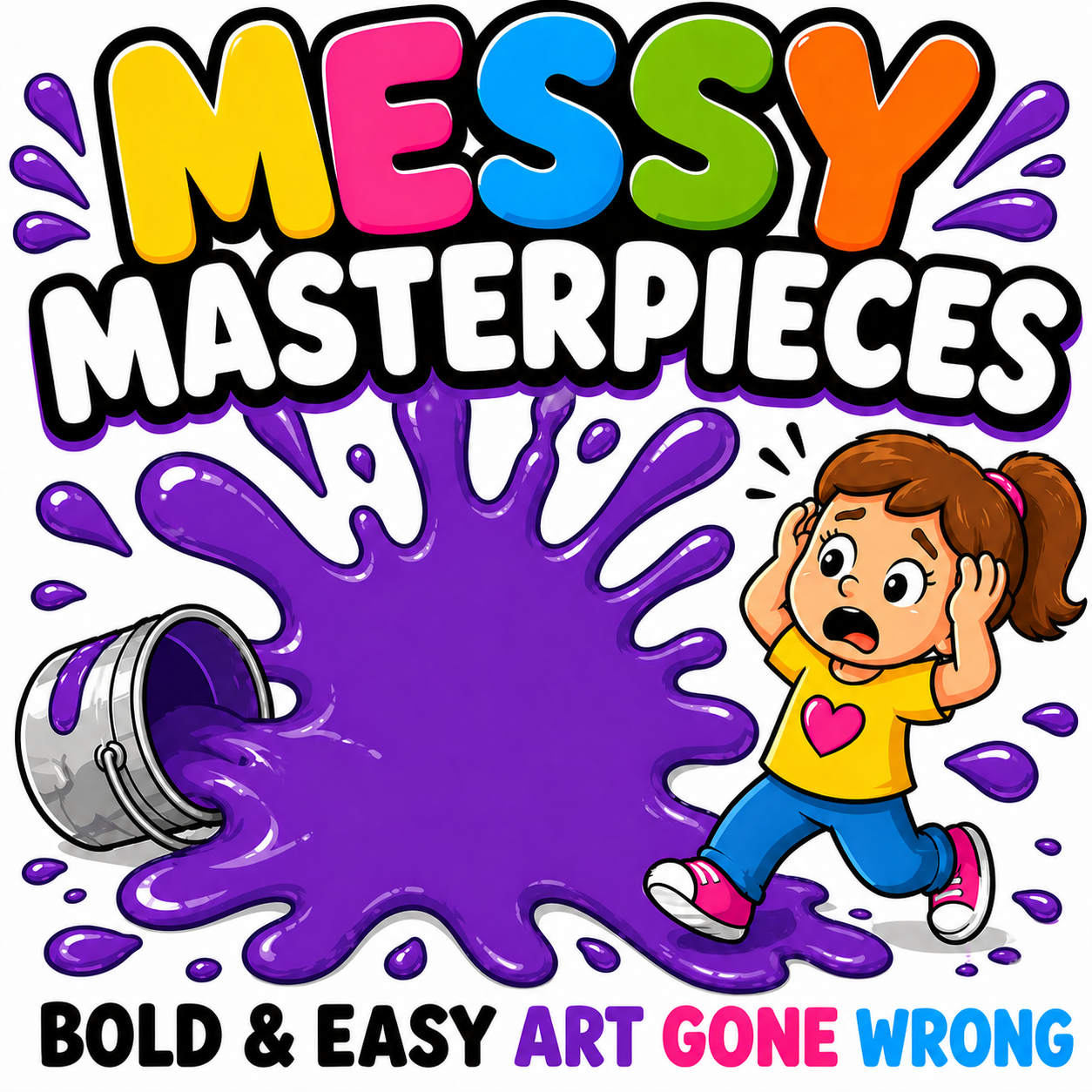
COMING SOON
Paint spills, yarn tangles, and bold & easy art gone wonderfully wrong.
As an Amazon Associate I earn from qualifying purchases. Amazon links marked “paid link” may earn us a commission at no extra cost to you.
Didi Plums offers an Ohuhu-focused palette tool with generated and manual palettes, image color extraction, and popular palettes. Color Power Studio goes beyond Ohuhu: its stash catalog includes Ohuhu, Copic, Prismacolor, Caliart, and Shuttle Art, with set and color-match availability varying by brand. You can combine supported sets in one stash, connect with MyMarkers collection tools, and test palettes on real Maurer Power Media coloring pages. Choose Didi Plums if its Ohuhu workflow suits you; choose Studio if you want a collection spanning multiple brands and a place to try colors on our pages. Both provide inspiration, and screen colors are approximations—test your markers on paper before committing.
Start with the main subject, then choose supporting, background, and accent colors. Add an optional shadow and leave white paper for highlights. Open “Give your colors a job” beneath the palette for the full guide.
Back up or transfer your marker collection without creating an account.
Your marker collection is automatically saved in your browser's local storage. Reopening this site on this browser keeps your stash intact!
Save this code somewhere safe. Paste it into Color Power Studio on any phone, tablet, or laptop to restore your marker collection.
Google & Passwordless Email Login is coming later. Stash Codes will remain permanently available as a free backup option!